
The Challenge
Grocery shoppers buy often, in small baskets, from long lists of similar products. A pork cut, a can of corn and a lobster all go through the same cart, but they need different information: weight, origin, unit price, whether a voucher applies. The retailer also wanted promotions to be visible from the first screen without burying the products. Nexora was asked to design the whole path from the home page to a delivered order, plus the account area a returning buyer relies on.
What Nexora Designed
The deliverable is a complete set of screens, from sign-in to order history. It covers the buyer side and a small operations view for the seller. Nexora delivered the design only; the product itself was not part of this work.
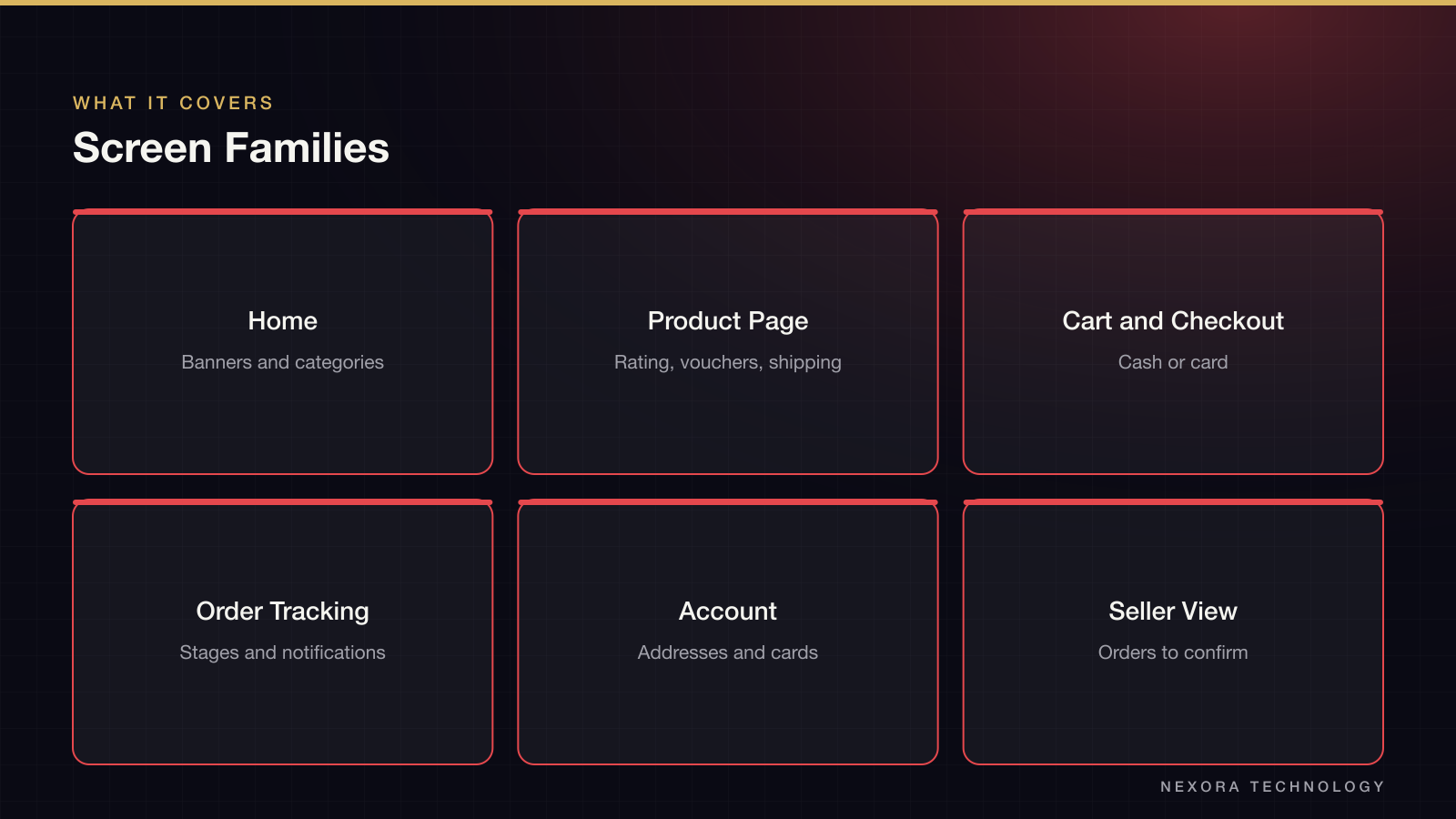
- Home with search, rotating promotion banners and six food categories as large icon tiles
- Product page with rating, units sold, shop vouchers, shipping destination and fee, plus Buy Now and Add to Cart
- Cart, checkout, saved addresses and saved payment cards
- Order tracking, notifications, ratings and a help centre
- Sign-up and sign-in with email, Facebook or Google, and a seller view that lists orders waiting for confirmation
Key Decisions
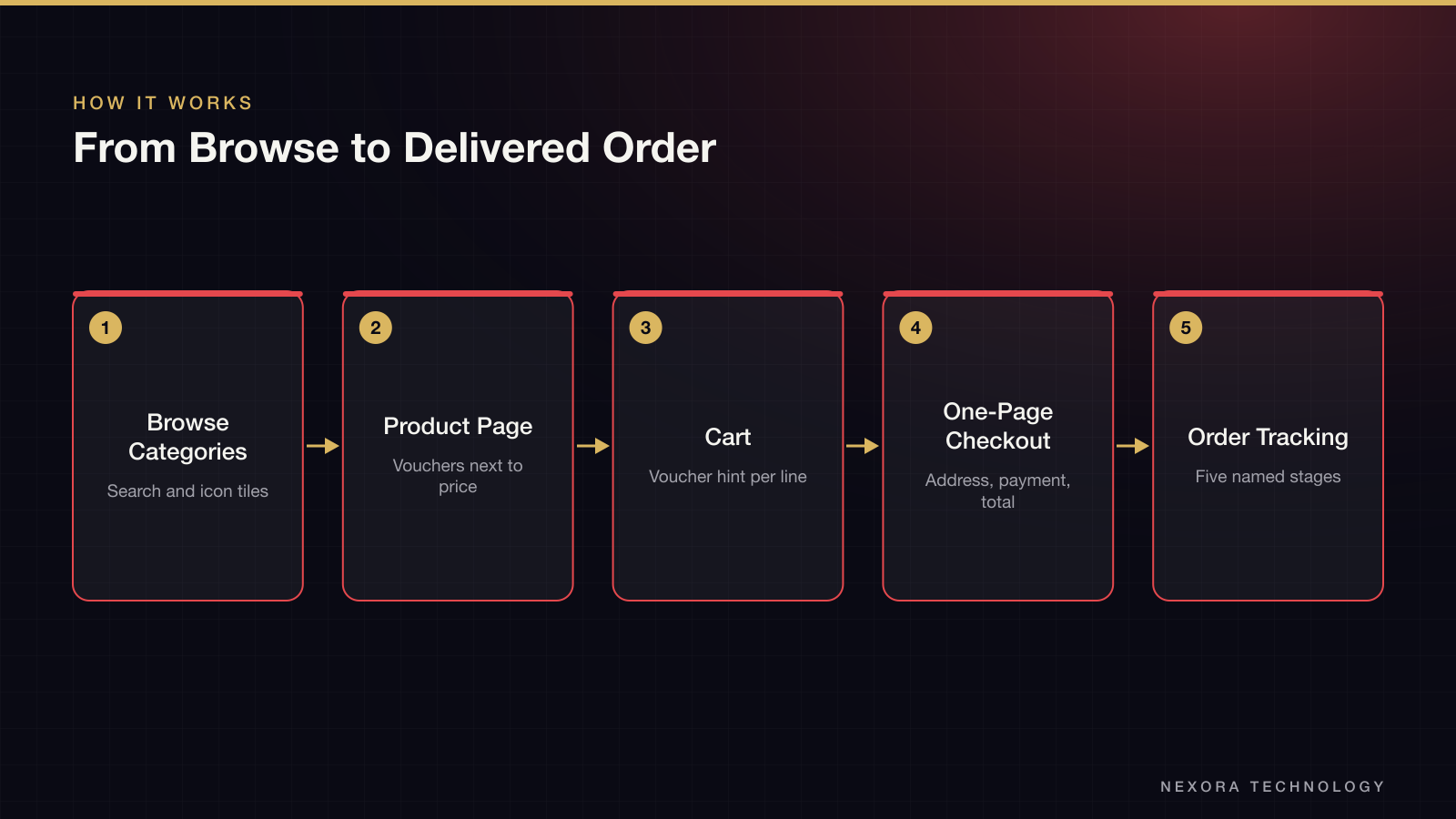
Categories sit directly under the search bar as icon tiles, so a shopper who knows they want seafood reaches it in one tap and never has to use search. Promotions get their own band above the categories, which keeps sale banners visible without pushing products below the fold. On the product page, vouchers appear next to price and shipping instead of at checkout. A buyer sees a discount before committing to the item, which makes the cart less of a surprise. The cart itself groups items by product, shows a voucher hint under each line and keeps a recommendations block below, so a shopper who is still adding items has somewhere to go.
How the Buyer Moves Through It
Checkout is one page. The delivery address is at the top with a default marker and an edit control. Ordered products sit on the left. The promotion, the total and the Order button stay together on the right, so the final amount is always next to the action. Payment offers cash on delivery or an international card. A buyer who is placing a second order only needs to confirm the address and press Order. Account screens reuse the same card layout for addresses and saved cards, with separate add and edit states for each.
Order Tracking
Tracking was treated as a core screen, because grocery buyers check on perishable orders more than once. Each order moves through five named stages: confirmed, paid, shipped, received and to rate. The detail view shows the time of each stage and the payment method. Cancelled orders have their own state that says who cancelled. Notifications list the same events with a thumbnail of the product, so a buyer can tell orders apart at a glance. A rating component with fifteen star states supports the final step.
The Visual System
The interface uses a single coral red for the header, active navigation, prices and primary buttons, on a light grey canvas with white cards. Red is also the grocery cue for meat and fresh produce, so product photos and interface colour support each other instead of competing. Rounded cards, a consistent row height and one icon style keep the 92 screens recognisable as one product.
What the Client Gets
The client receives a full screen set covering the shopping journey, account area and a seller confirmation view, with each flow shown in its main, empty, edit and confirmation states. A development team can build from it without having to guess how an address is edited or what a cancelled order looks like. Nothing in this work claims a live launch or traffic; it is the design stage of the product.